> For the complete documentation index, see [llms.txt](https://adminguidesgitbook.aerofiler.com.au/llms.txt). Markdown versions of documentation pages are available by appending `.md` to page URLs; this page is available as [Markdown](https://adminguidesgitbook.aerofiler.com.au/general/api-keys.md).
# API Keys
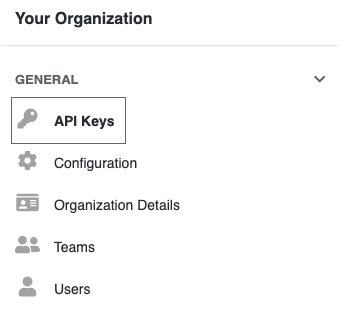
To create an API key, navigate to the "API Keys" setting:
Then click "Create API Key":
Choose a name for your API Key (eg "Zapier") and then click "Create":
This will generate a key that you will be able to use for integration, such as with Zapier.