> For the complete documentation index, see [llms.txt](https://adminguidesgitbook.aerofiler.com.au/llms.txt). Markdown versions of documentation pages are available by appending `.md` to page URLs; this page is available as [Markdown](https://adminguidesgitbook.aerofiler.com.au/approvals/workflow-setup.md).
# Workflow Setup
Two types of workflows can be created in Aerofiler:
* Third Party Paper – this uses the template provided by the counterparty during contract negotiations
* Own Template – this uses your existing templates
**Creating the Workflow**
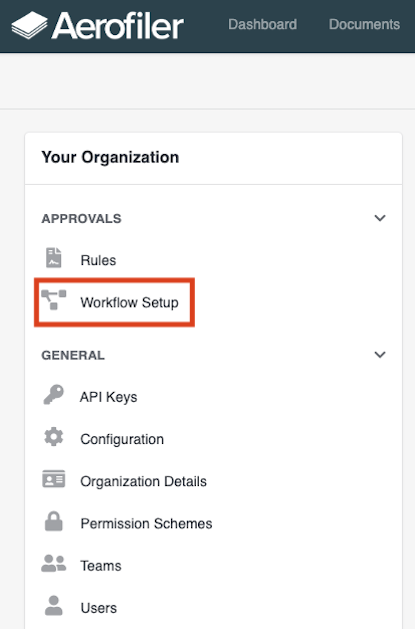
In the “Organization” tab on the Settings page, select the “Workflows” option from the “Your Organization” menu on the left:
Select the “Create Contract Workflow” option: